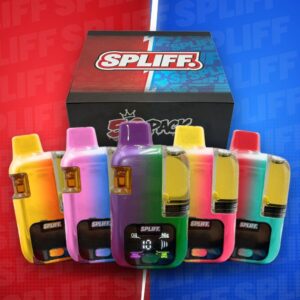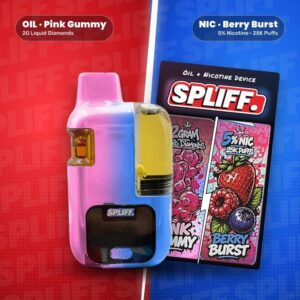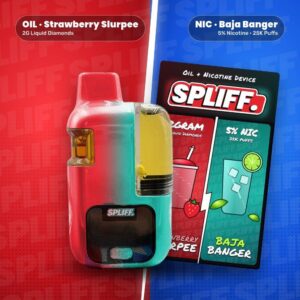
Video walkthrough · 30 seconds
How to Use Spliff
The Spliff vape runs on one button. Snap the nic pod in, press 5x to power on, 1x to switch between oil and nic, and 3x to preheat the oil side. Watch it, then follow the steps below.
Spliff Step by Step

Snap the pod in
Line the clear 5% nic pod up with the side of the device and snap it in until it clicks.
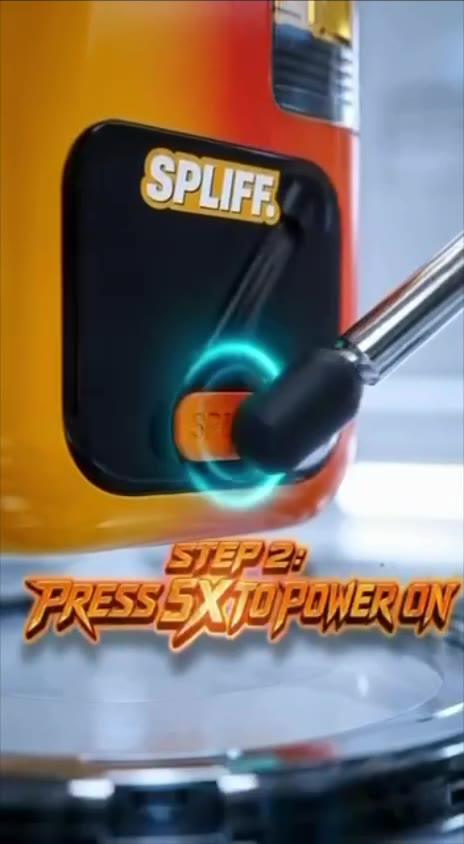
Press 5x to power on
Press the button under the screen 5 times quickly. The screen lights up and reads On.
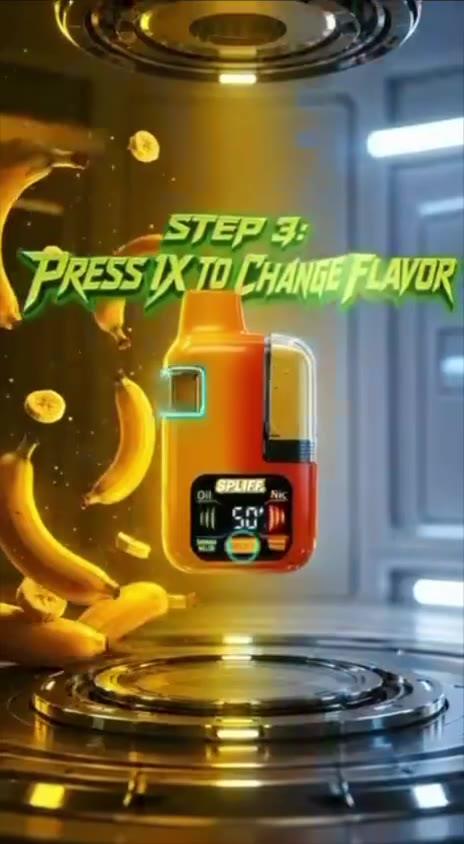
Press 1x to change flavor
One press switches between the Oil side and the Nic side. The screen shows the side and its flavor.
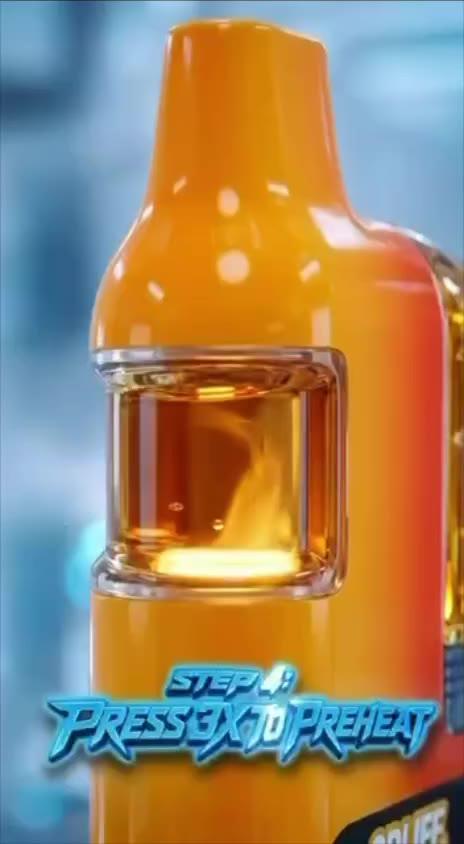
Press 3x to preheat
On the oil side, press 3 times to warm the 2G liquid diamonds before you pull. Great for the first pulls and cold days.

Enjoy Spliff
Take a slow pull. The screen counts the seconds so you can keep each pull even.
Button Cheat Sheet
| Press | What it does |
|---|---|
| 5x | Power on / off |
| 1x | Switch between Oil and Nic |
| 3x | Preheat the oil side |
Reading the Screen
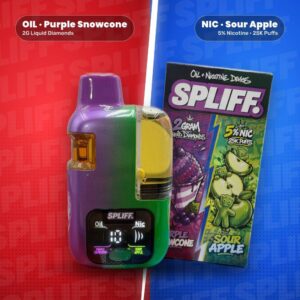
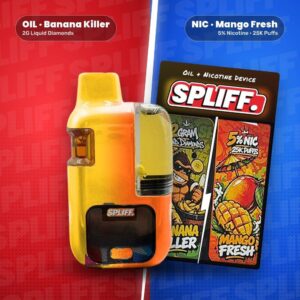
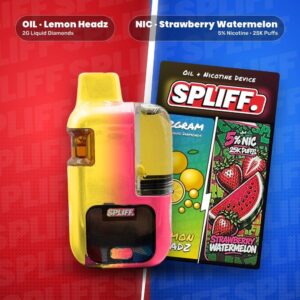
Oil sits on the left and Nic on the right. The active side lights up, its flavor shows underneath (for example Banana Killer on the oil side, Mango Fresh on the nic side), and the number in the middle counts seconds while you pull.
Not Hitting?
Make sure it is on (5x), on the side you want (1x), and preheated for oil (3x). Then reseat the nic pod. More in Spliff Vape Not Hitting? 7 Quick Fixes, or ask us on live chat.
Ready to Pick a Pair?